Why most kanji apps fail
Most apps train recognition.
KanjiKanji trains recall, writing, and review.
You recognize it — but can't write it.
Multiple-choice quizzes flatter you. The blank page tells the truth.
You forget between sessions.
Without spaced review, the kanji you 'learned' on Monday is gone by Friday.
Your queue becomes a chore.
Bloated decks turn daily study into deck maintenance, not learning.
What you get
Built for the way kanji actually sticks.
Five differentiators — not a generic flashcard deck with a Japanese skin.
Adaptive SRS
Reviews scheduled around what you almost remembered — per kanji, per recall path (meaning, on'yomi, kun'yomi).
Learn more →On-device handwriting
Stroke recognition runs on the phone via PencilKit + ML Kit Digital Ink. Your strokes never leave the device.
Learn more →Offline-first
Strokes, reviews, and progress all work without a connection. Study on flights, subway rides, and low-signal commutes.
Learn more →No account required
Open the app and start. Sign-in is optional — never the price of entry.
Learn more →Inside the app
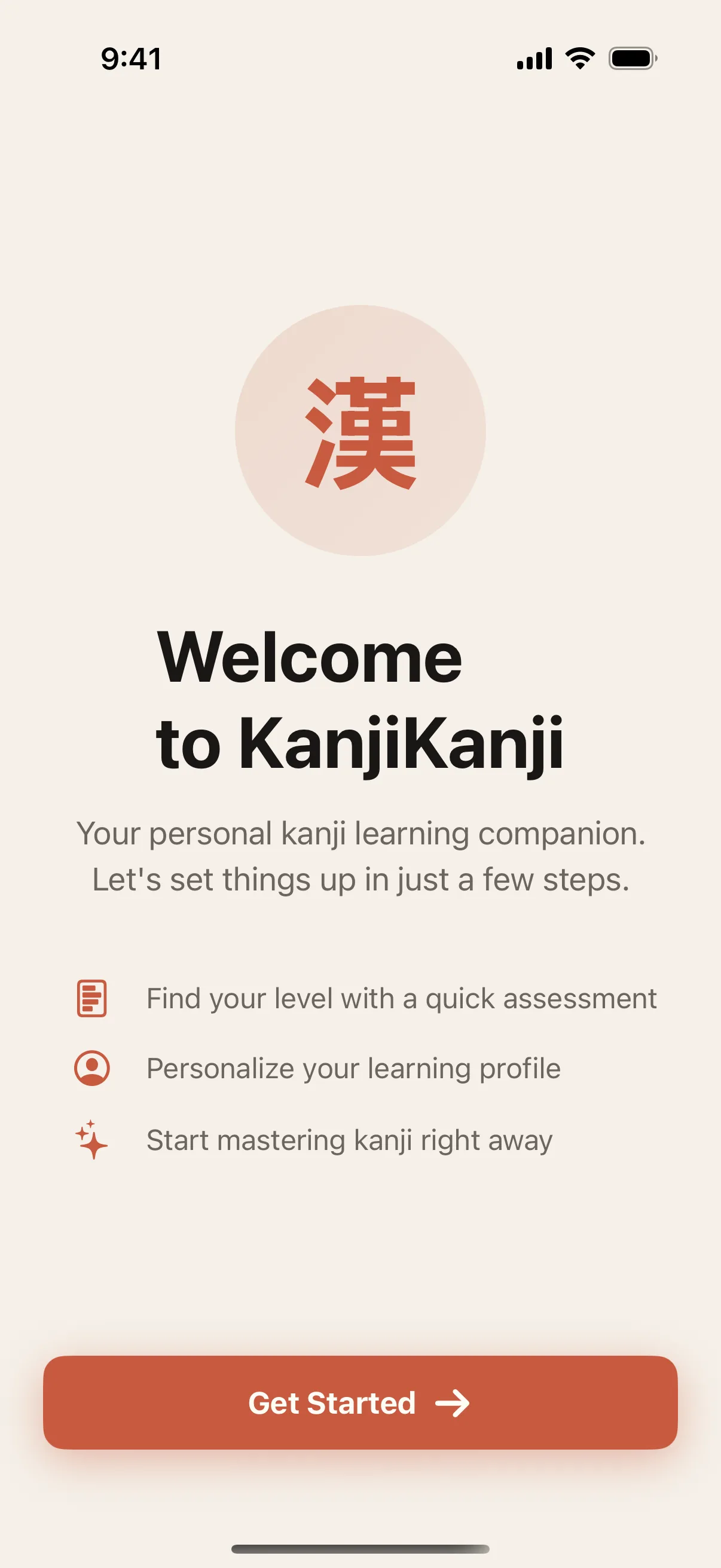
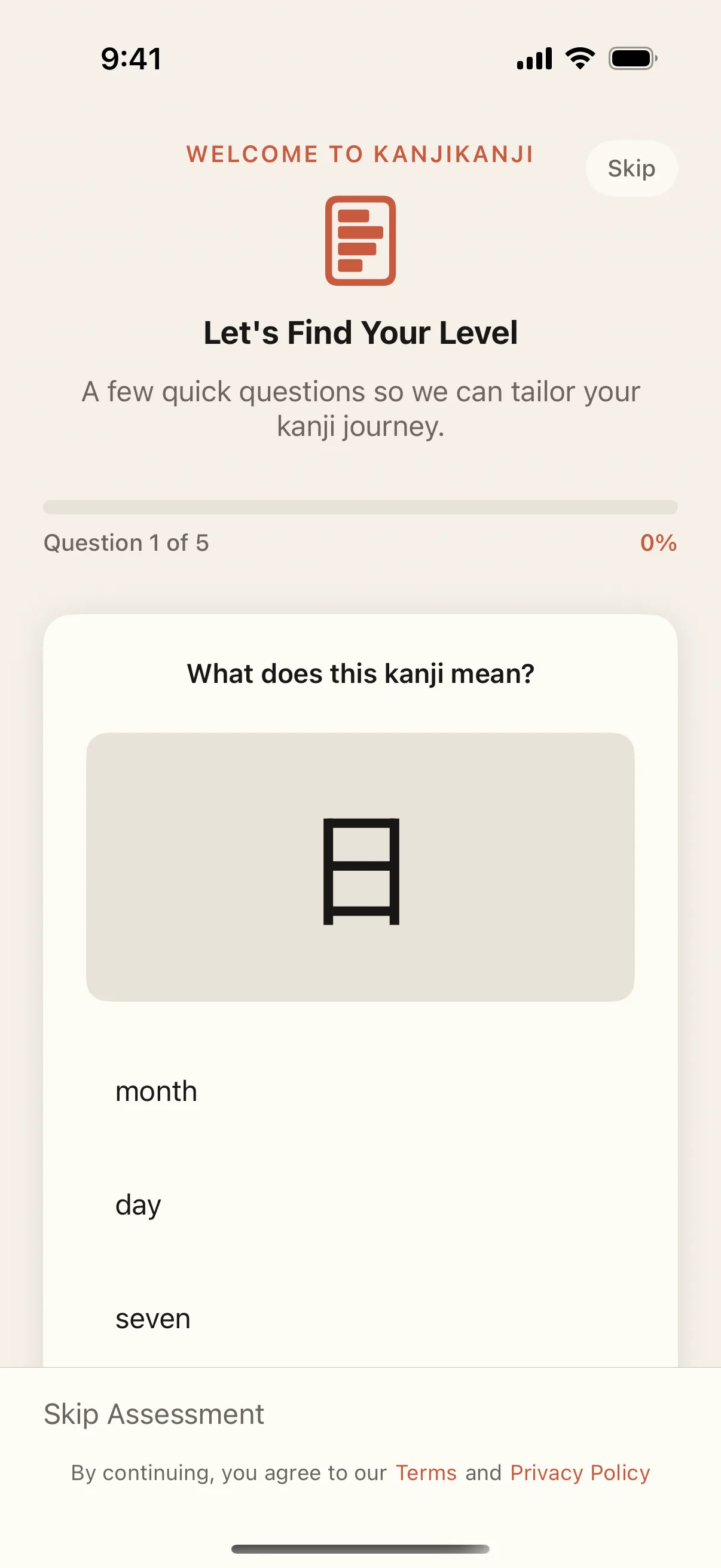
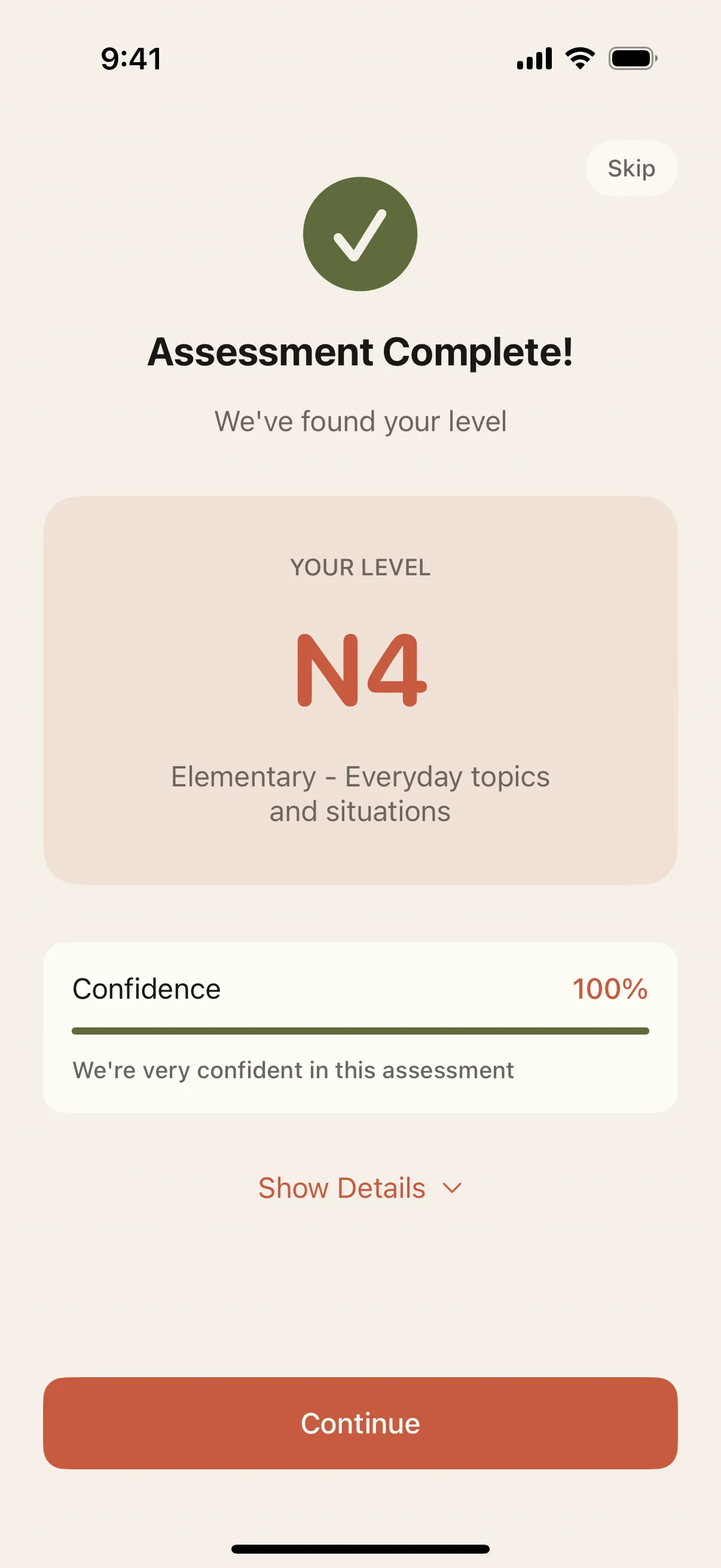
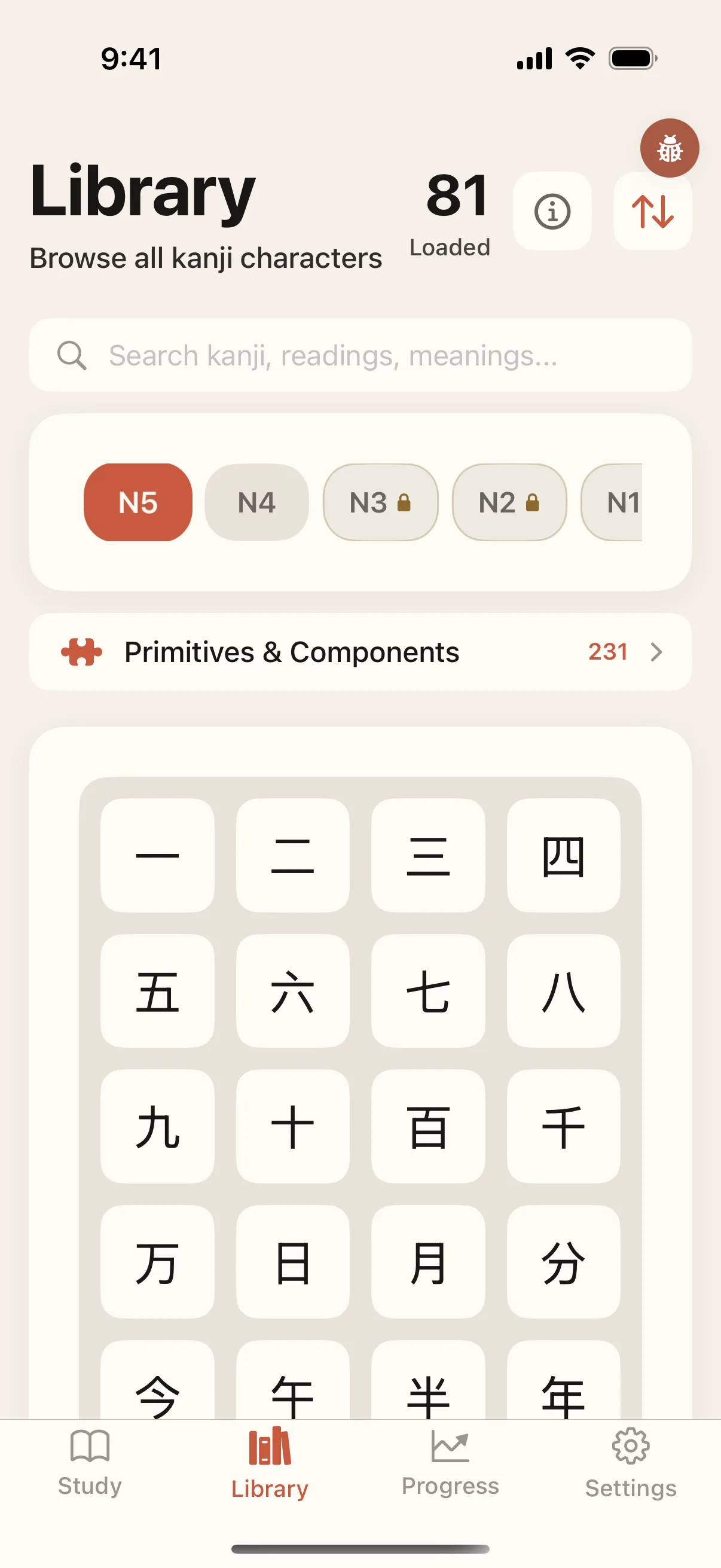
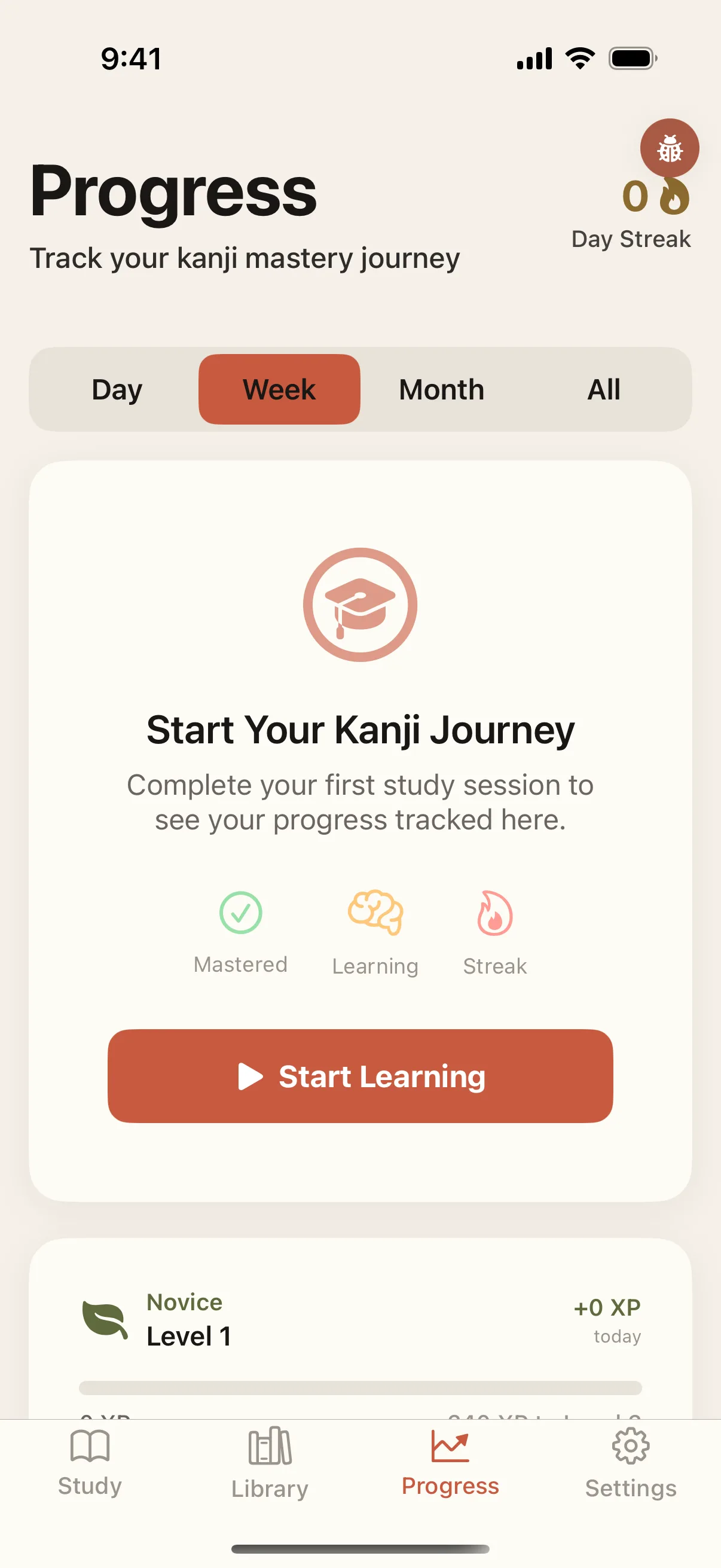
From welcome to mastery, on iPhone.
Onboarding sets your level, the curriculum adapts to where you actually are, and a focused daily session keeps you moving — JLPT N5 through N1.
Try it
Trace 月 or 木 — in order.
Four strokes each, in the right sequence. Start at the orange dot. The full N5 stroke practice — handwriting recognition, stroke order, and SRS review — lives in the app.
Stroke 1 of 4 — start from the orange dot.
Learner updates
Get the next KanjiKanji study notes.
A small update loop for JLPT study tips, release notes, and better ways to use the free N5/N4 path. No sales funnel, no account needed.
Curriculum
2,000+ kanji, JLPT-aligned, on iPhone.
Coverage from N5 through N1, with on-device handwriting recognition and VoiceOver support throughout. Works offline.
Private by design
Handwriting recognition runs on-device via PencilKit + ML Kit Digital Ink. Strokes never leave your phone.
Accessible study flows
Designed for VoiceOver and keyboard-friendly navigation across learning, review, and progress — to WCAG 2.2 AA.